Hourly
 What the totals include
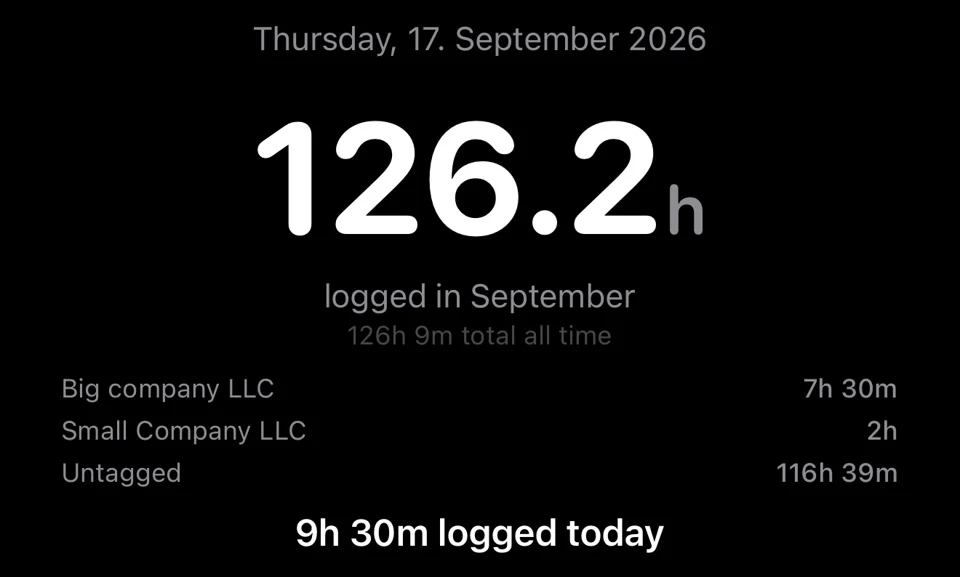
Logged calendar totals, monthly and weekly trends, all-time totals, days worked and averages are calculated from saved work entries, not your presence at a job site.
Home Screen widgets show today's and this month's totals. Preset links open Hourly's logging flow. A Live Activity shows a running session and provides a Finish Work link back into the app.
Reminders on your terms
Choose a reminder time and weekdays in Settings. Daily reminders skip days with logged work and active sessions. Notification permission and iOS delivery rules apply; a reminder is not a guarantee that a missing entry will be caught.
Keep control of your records
Hourly is local-first and does not require an account. Review the work you save, and keep a separate backup somewhere you can access if your phone is lost. Location features are optional; manual entries, presets and the timer work without them.
Free to download. Monthly, yearly or lifetime access: €3.99/month, €39.99/year or €89.99 once. Eligible subscriptions include a 14-day free trial, one per subscription group. Apple shows the actual localized price and eligibility before purchase. Lifetime does not cancel a separate subscription. Read the purchase terms.
Questions? contact@gethourly.app