Hourly
 How logging works
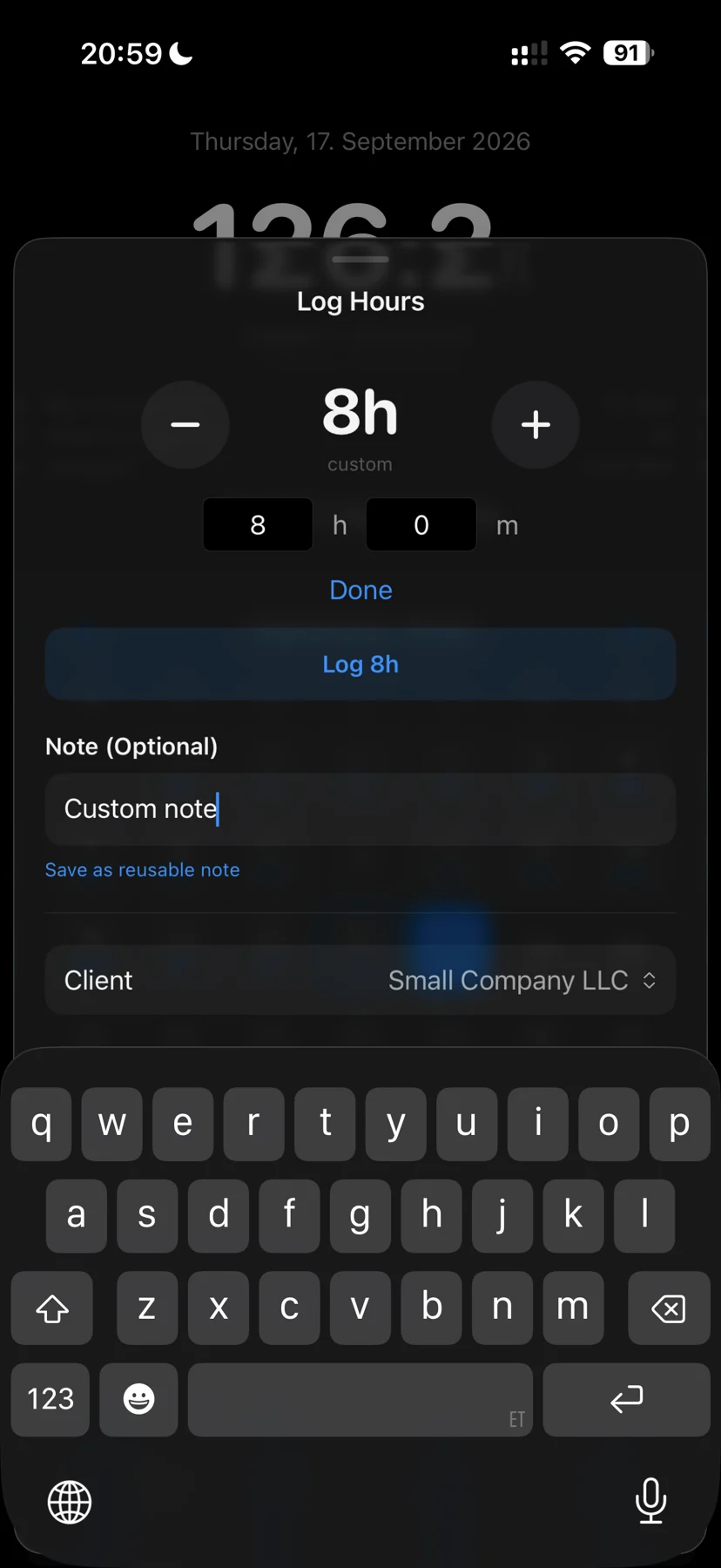
Use saved presets for familiar shifts, enter a custom duration in hours and minutes, or start a timer as you begin work. A default start time can give preset entries a start and end time. Each saved work block remains an entry you can review.
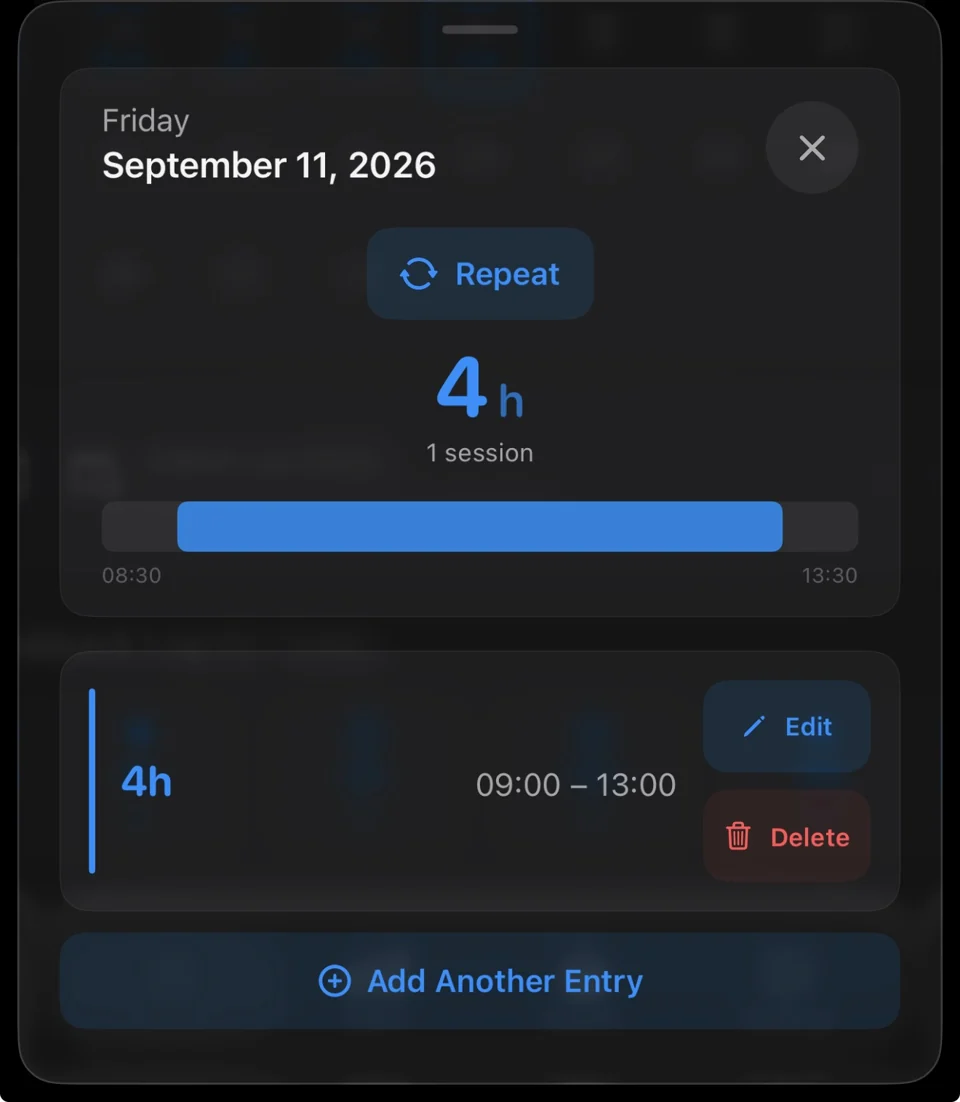
Work entries can carry a note and a client. Open a day in the calendar to review its entries, edit details or delete an entry.
Rounding, breaks and corrections
Review start and end times or enter a duration directly. Choose no rounding, nearest half hour or nearest hour, and set a break deduction. Raw duration, rounding and deduction stay separate from the final logged duration.
Rounding is applied before the break deduction; the final duration cannot fall below zero. Saved entries retain their calculation choices, so editing does not simply apply today's defaults to yesterday's work.
Open a day to edit or delete entries. Notes, clients and location labels help explain each work block. Review repeated and catch-up entries before confirming them.
Keep control of your records
Hourly is local-first and does not require an account. Review the work you save, and keep a separate backup somewhere you can access if your phone is lost. Location features are optional; manual entries, presets and the timer work without them.
Free to download. Monthly, yearly or lifetime access: €3.99/month, €39.99/year or €89.99 once. Eligible subscriptions include a 14-day free trial, one per subscription group. Apple shows the actual localized price and eligibility before purchase. Lifetime does not cancel a separate subscription. Read the purchase terms.
Questions? contact@gethourly.app