Hourly
 Export options and backups
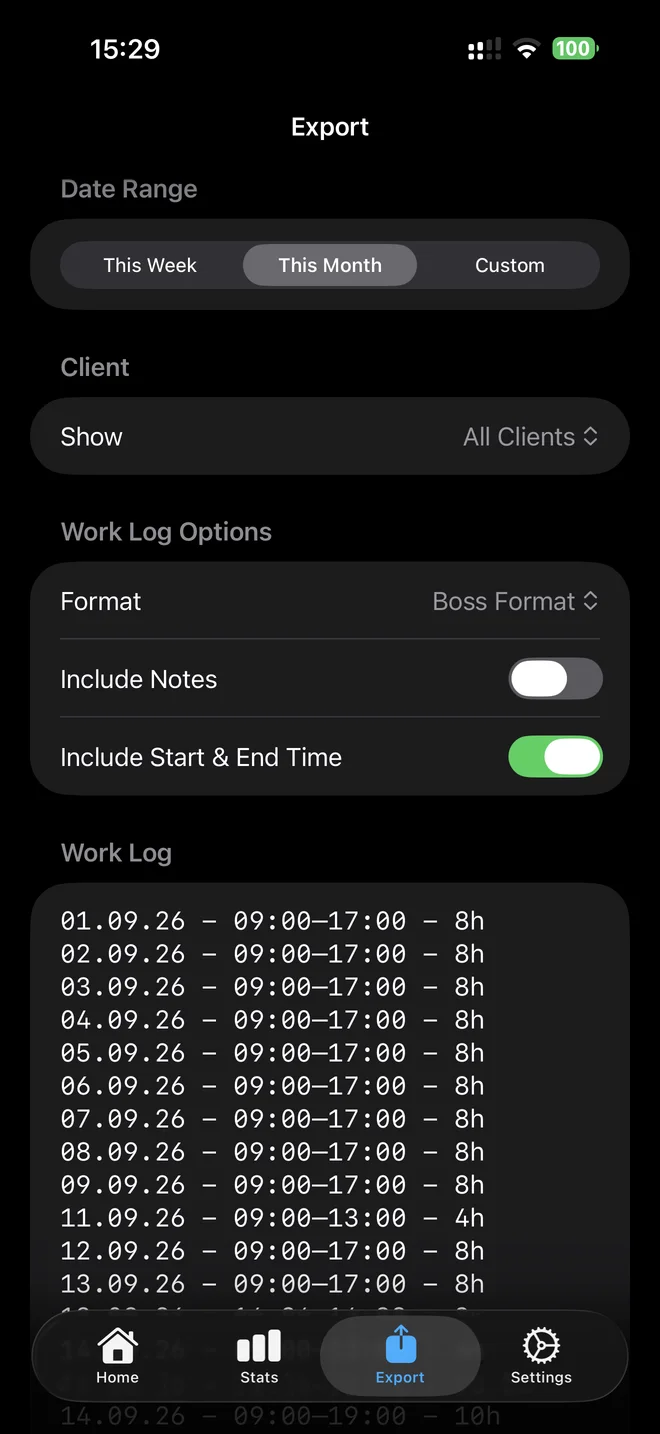
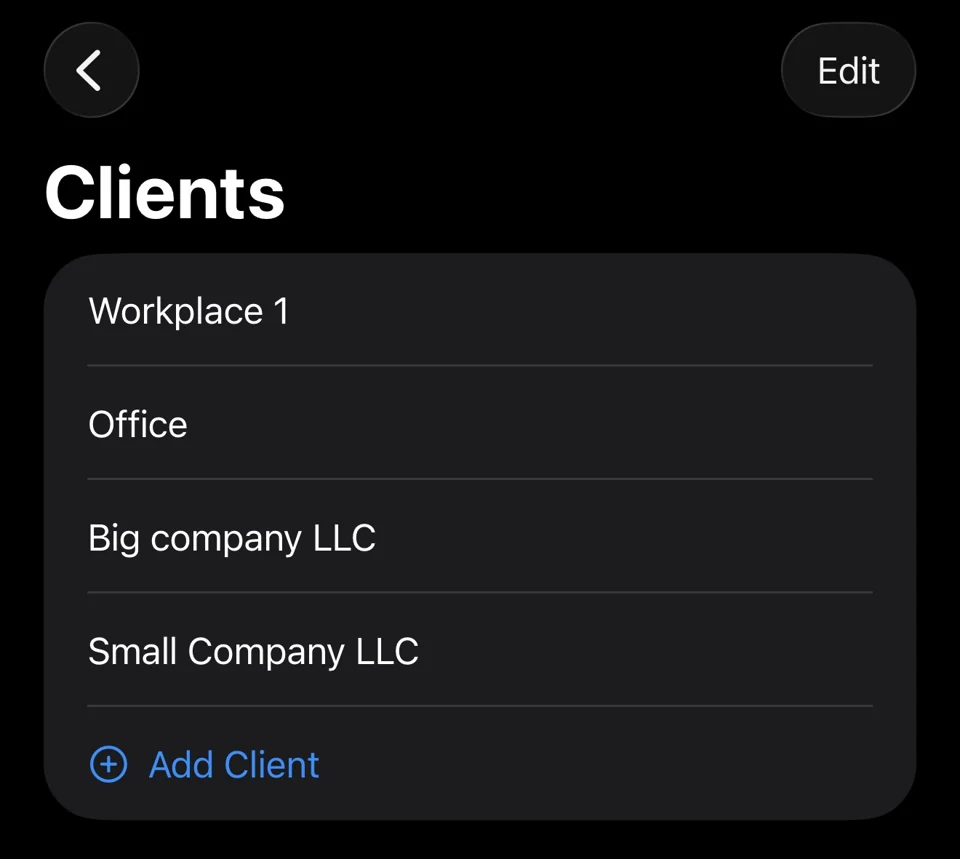
Select a week, month or custom date range and optionally filter by client. Choose whether to include notes and start and end times. CSV exports include raw and final hours, client and location fields. These are work records, not invoices or payroll calculations.
A v3 Hourly backup saves all logged entries, presets, clients, saved notes, settings, job sites, observations and reminder state, regardless of export filters. Active timers and sessions awaiting review are excluded. Use Save Hours before backing up.
Restore previews additions and keeps existing entries, presets, clients and sites on conflicts. It applies backup settings and replaces saved notes. Existing observations may receive handled or reminder markers. Reminder days off are merged and the later snooze is kept. Active and pending sessions on the receiving device are not changed.
Permissions, purchases and review-prompt history do not transfer. Keep a backup of the receiving device before restoring. Backup files contain private notes and locations and are not password-protected by Hourly. Store them securely.
Keep a backup somewhere you can access if your phone is lost; local storage alone is not a backup.
Keep control of your records
Hourly is local-first and does not require an account. Review the work you save, and keep a separate backup somewhere you can access if your phone is lost. Location features are optional; manual entries, presets and the timer work without them.
Free to download. Monthly, yearly or lifetime access: €3.99/month, €39.99/year or €89.99 once. Eligible subscriptions include a 14-day free trial, one per subscription group. Apple shows the actual localized price and eligibility before purchase. Lifetime does not cancel a separate subscription. Read the purchase terms.
Questions? contact@gethourly.app